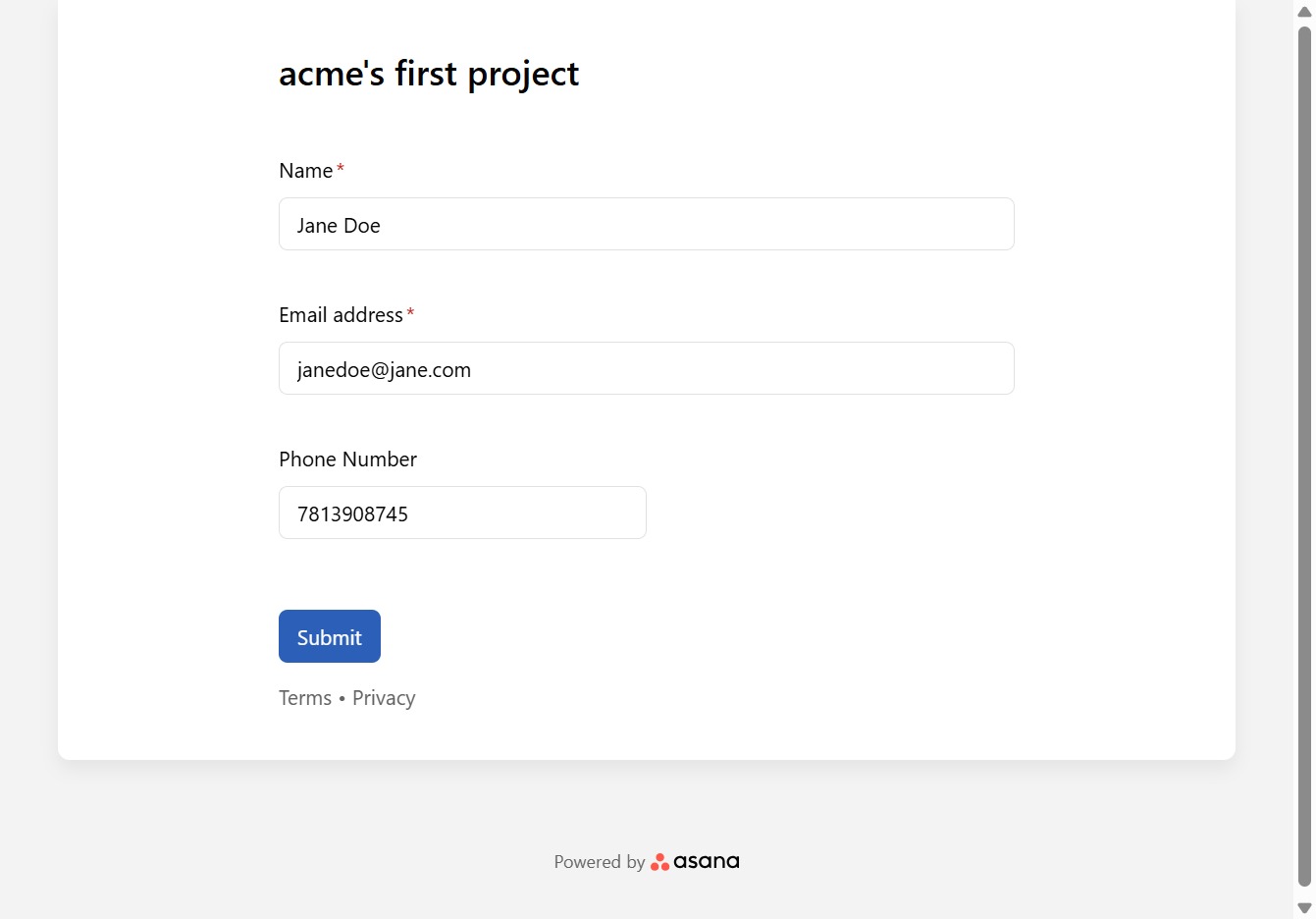
Click Enter your name
Fill in your name in the designated field.
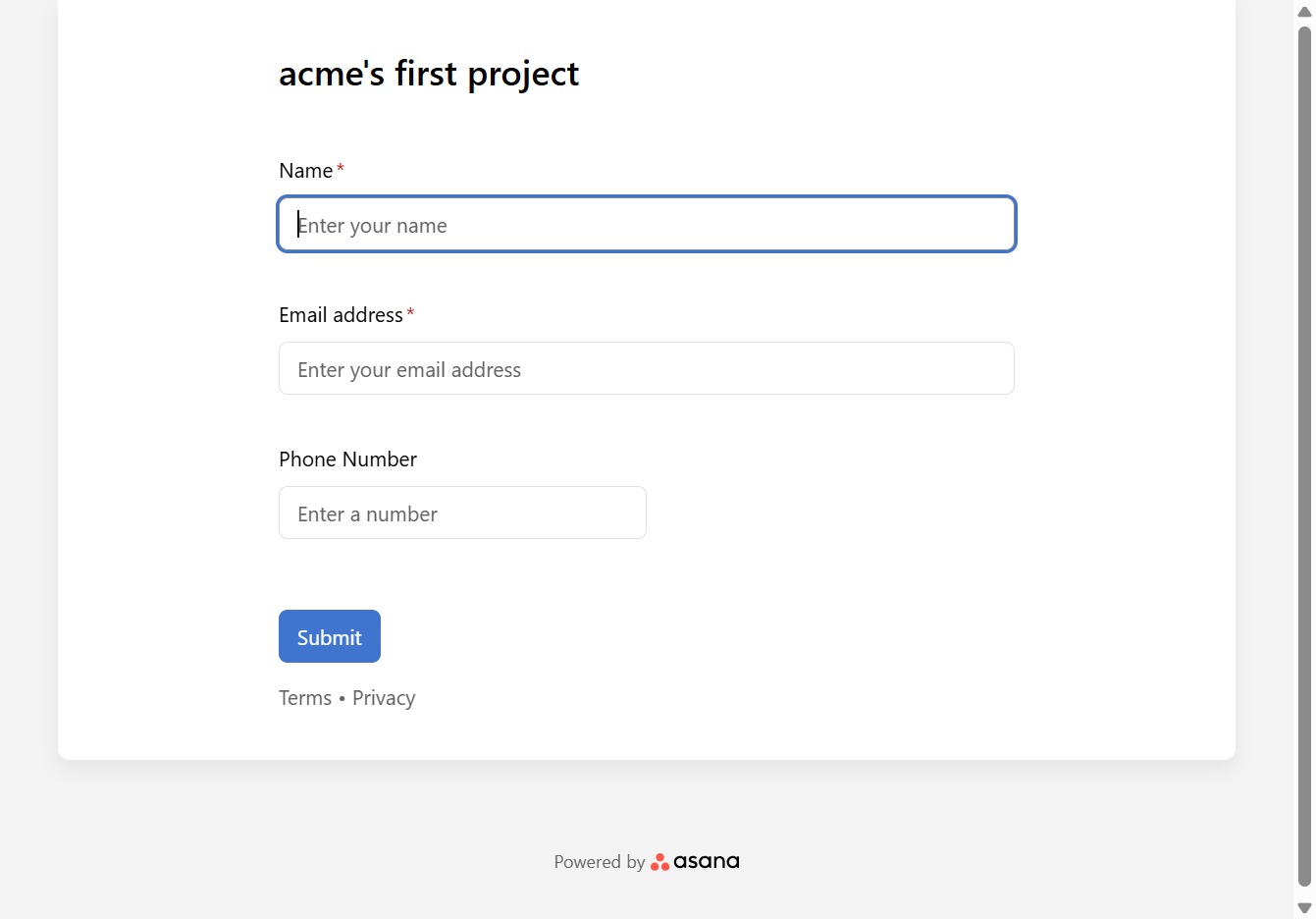
Loading screenshot…
100%
Use Asana to automate project form submissions by entering required information such as your name, contact email, and phone number, then submit the completed form.
 viktoria
Use Asana to automate project form submissions by entering required information such as your name, contact email, and phone number, then submit the completed form.
Fill in your name in the designated field.
Input your name in the designated field.
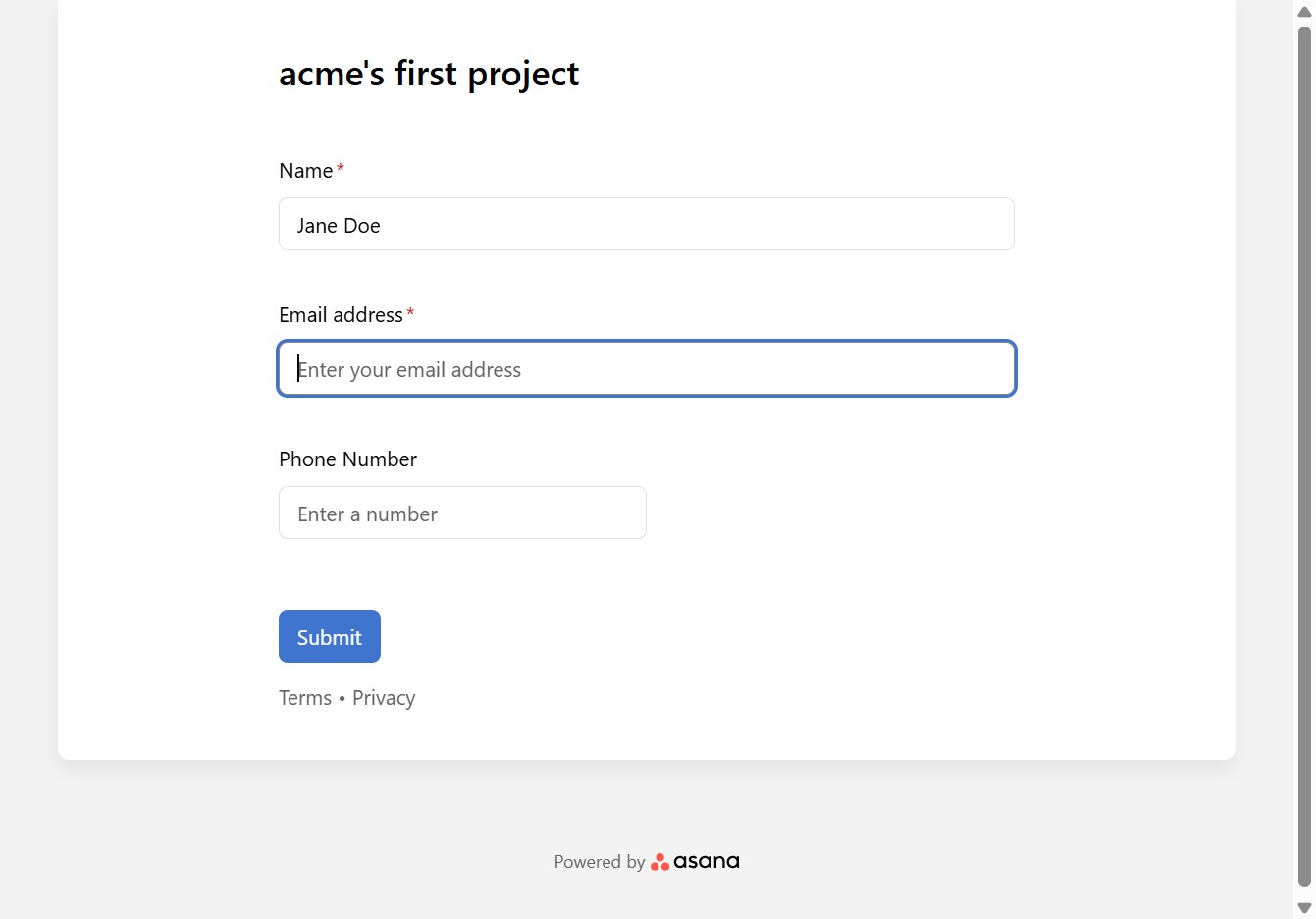
Add the contact's email address here.
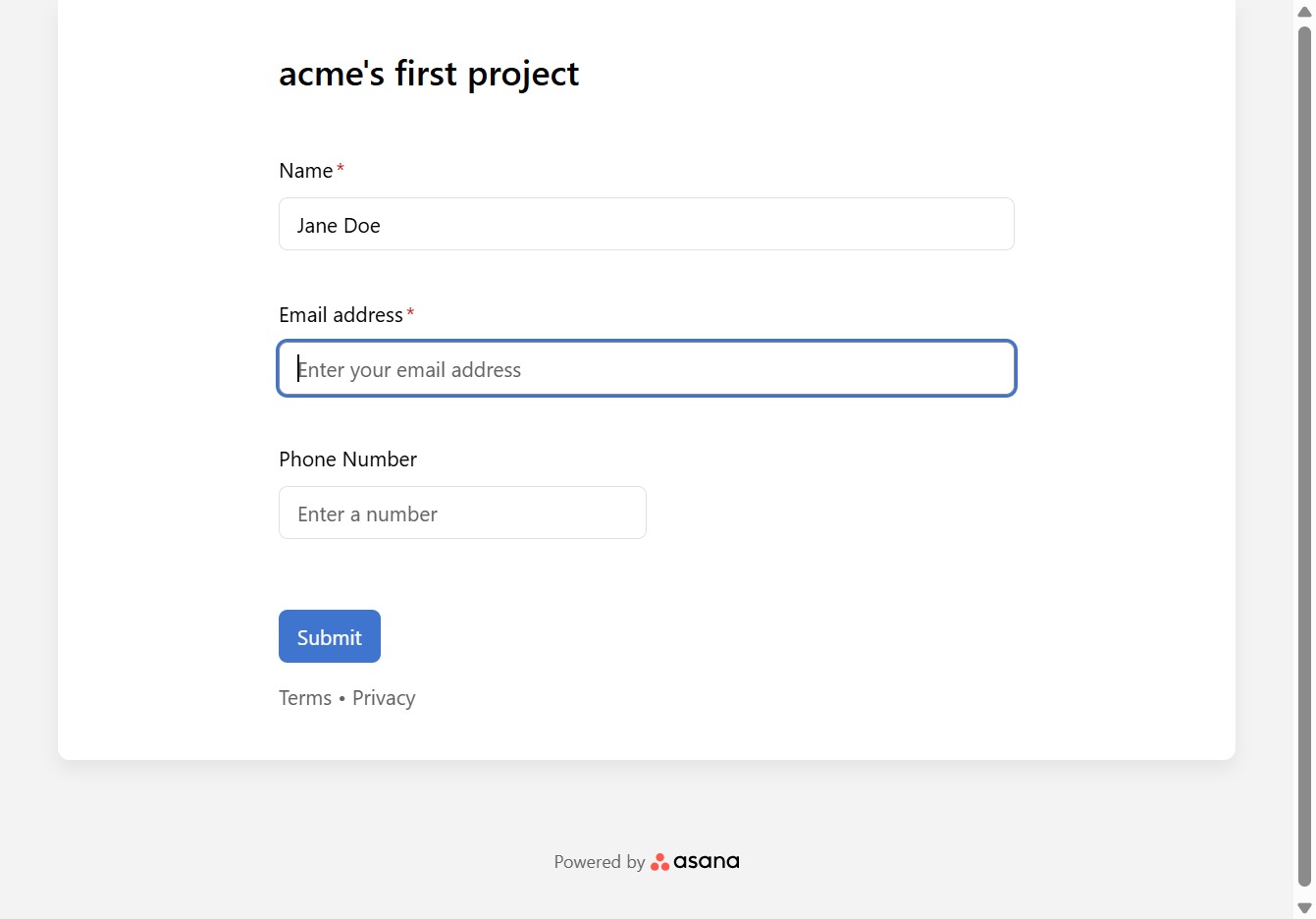
Type your email address in the provided field.
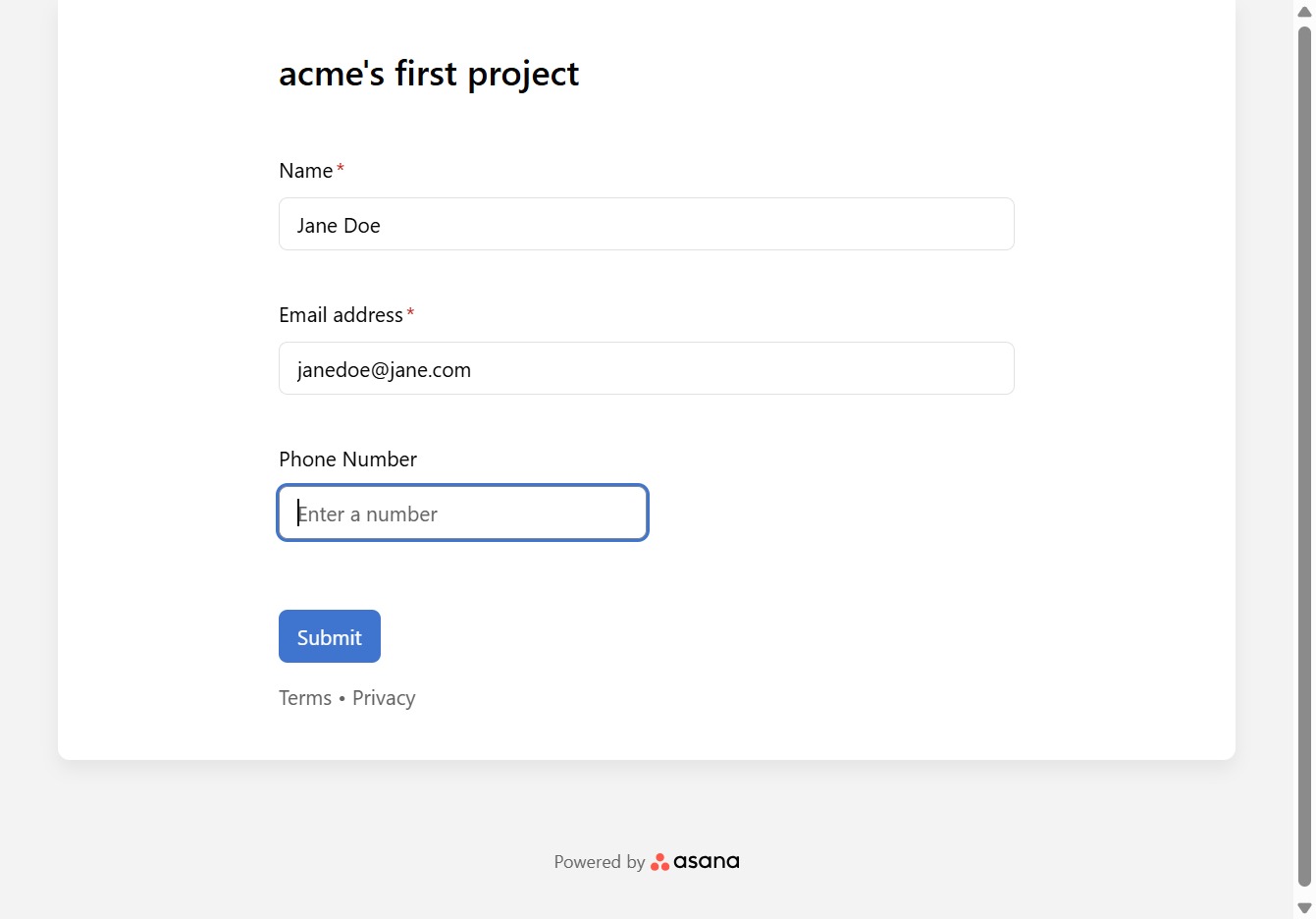
Fill in the phone number required for your account.
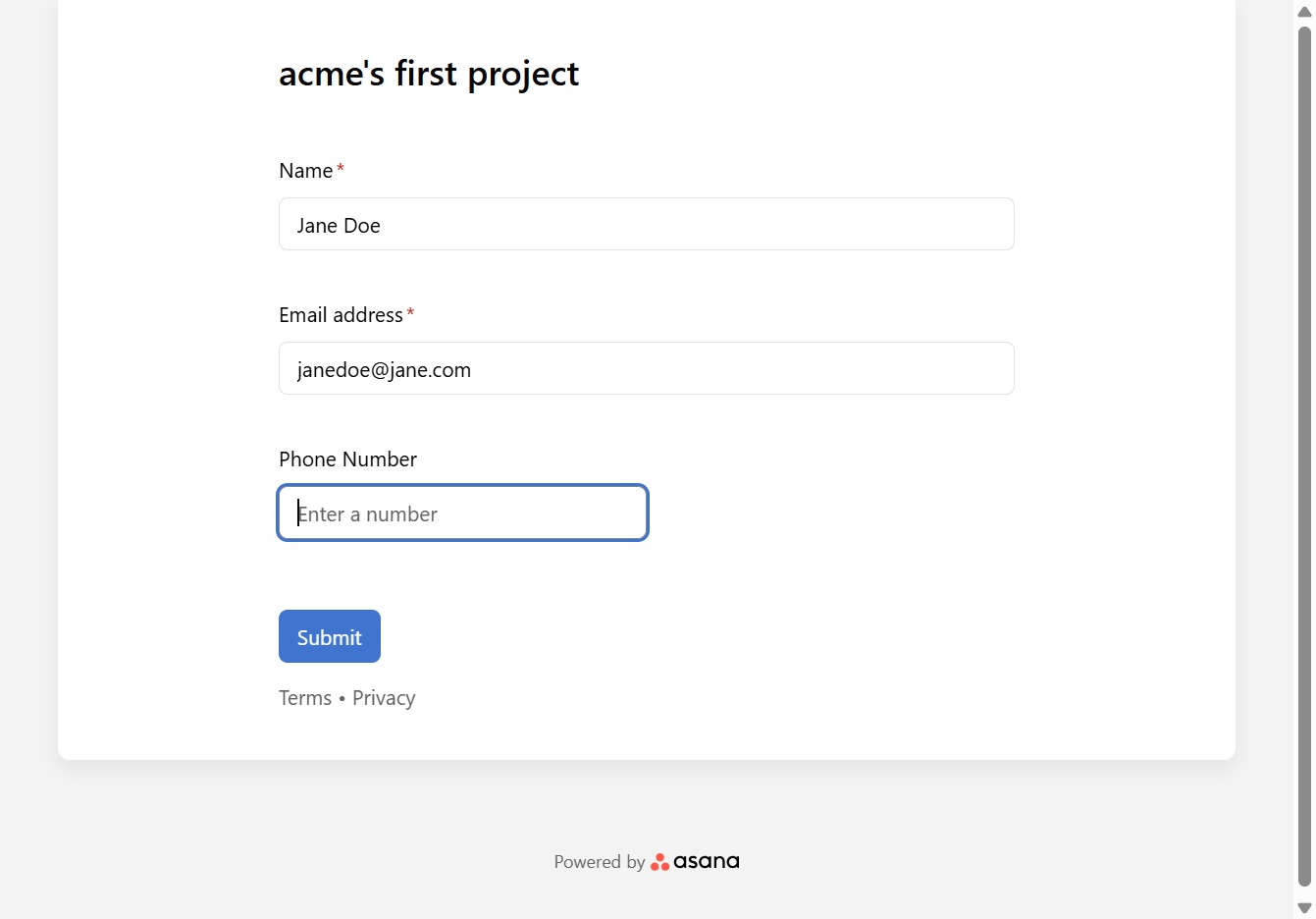
Type the contact's phone number into the designated field.
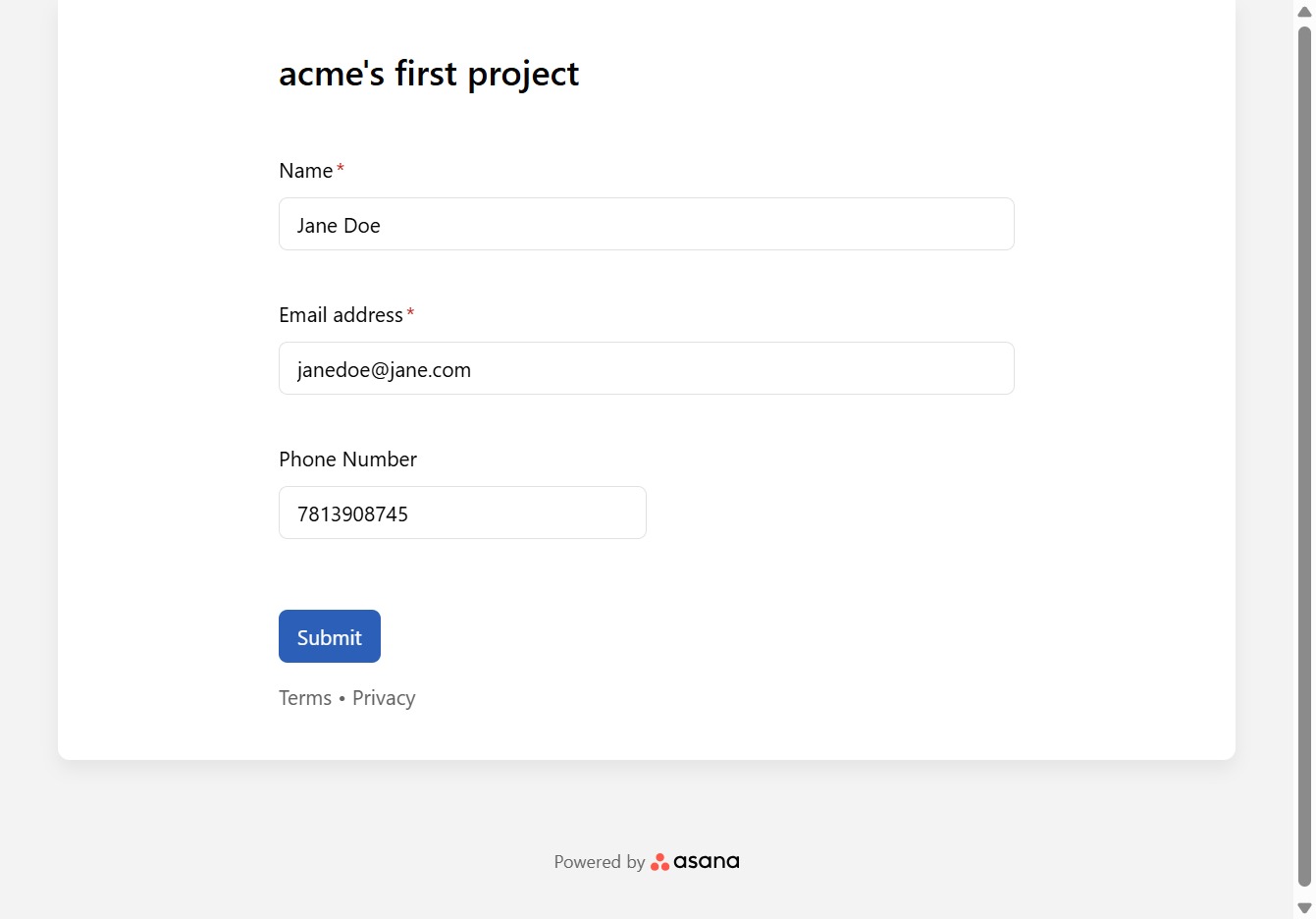
Complete the form by submitting your information. This will process the details you've entered.