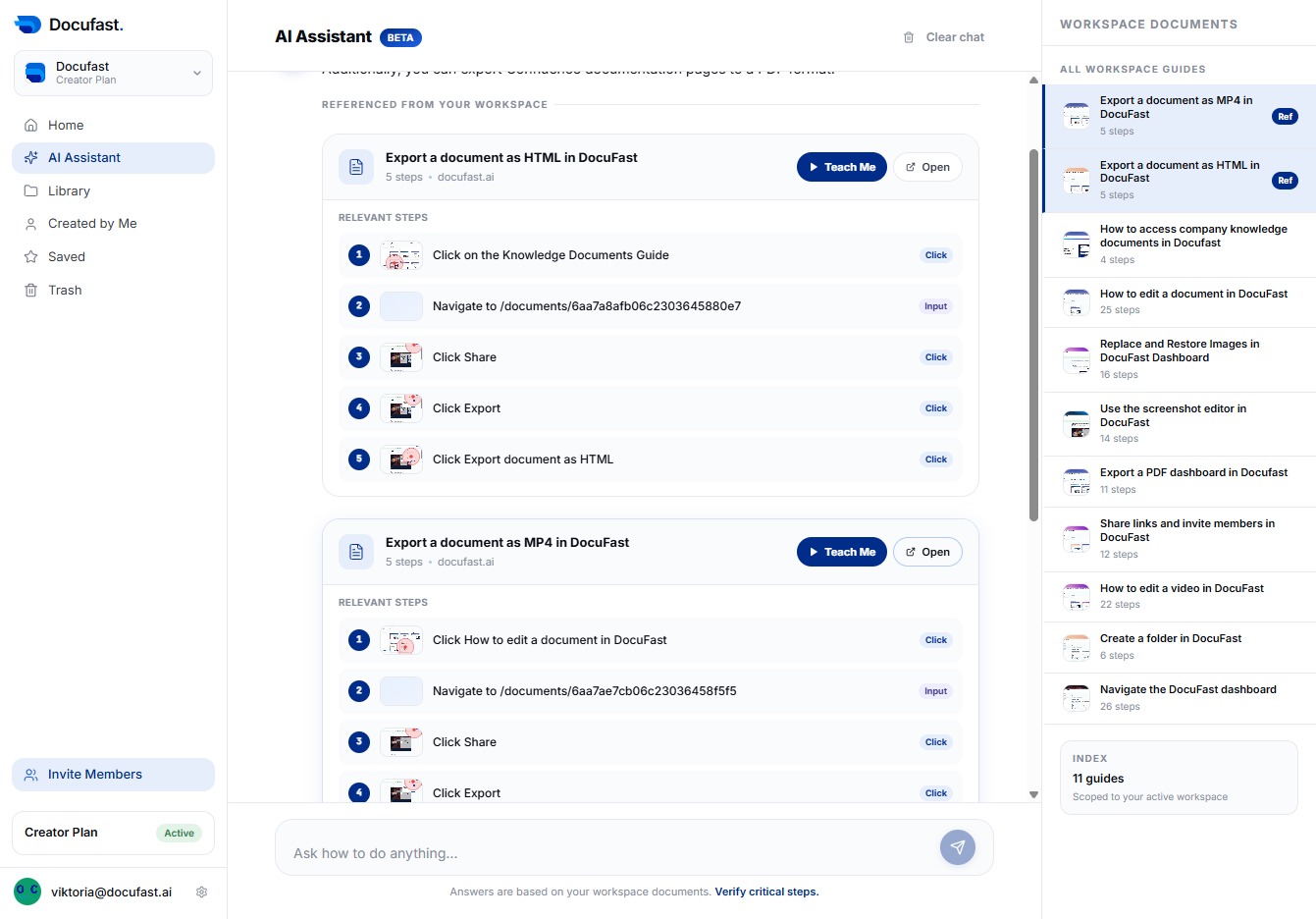
Click AI Assistant
By selecting the AI Assistant, you can access helpful tools and features that enhance your documentation process, making it easier to capture and organize your work efficiently.

Loading screenshot…
100%
Engage with the AI Assistant in DocuFast to ask questions about your guides and receive guidance using the guides in your workspace.
 viktoria
Engage with the AI Assistant in DocuFast to ask questions about your guides and receive guidance using the guides in your workspace.
By selecting the AI Assistant, you can access helpful tools and features that enhance your documentation process, making it easier to capture and organize your work efficiently.
In this section, you'll interact with the AI Assistant by clicking on the prompt labeled 'Ask how to do anything…'. This allows you to ask questions and learn how to navigate your workspace effectively.

In the Ask how to do anything field, type 'How to export a document' to begin your inquiry. This feature helps you get guidance on exporting documents within Docufast.
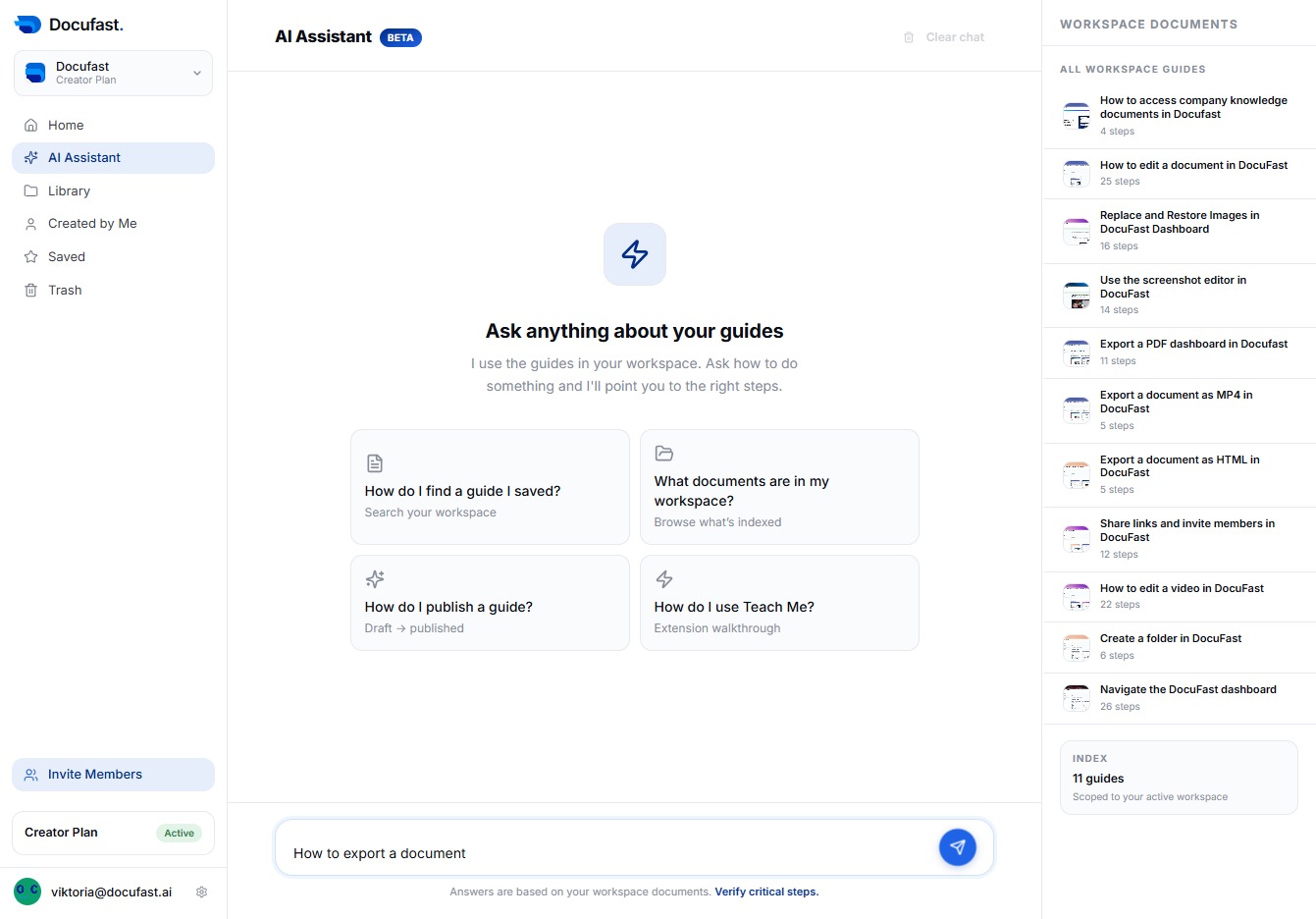
To submit your question or command, click the Send button. This action triggers the AI Assistant to process your request and provide you with the relevant information or steps.
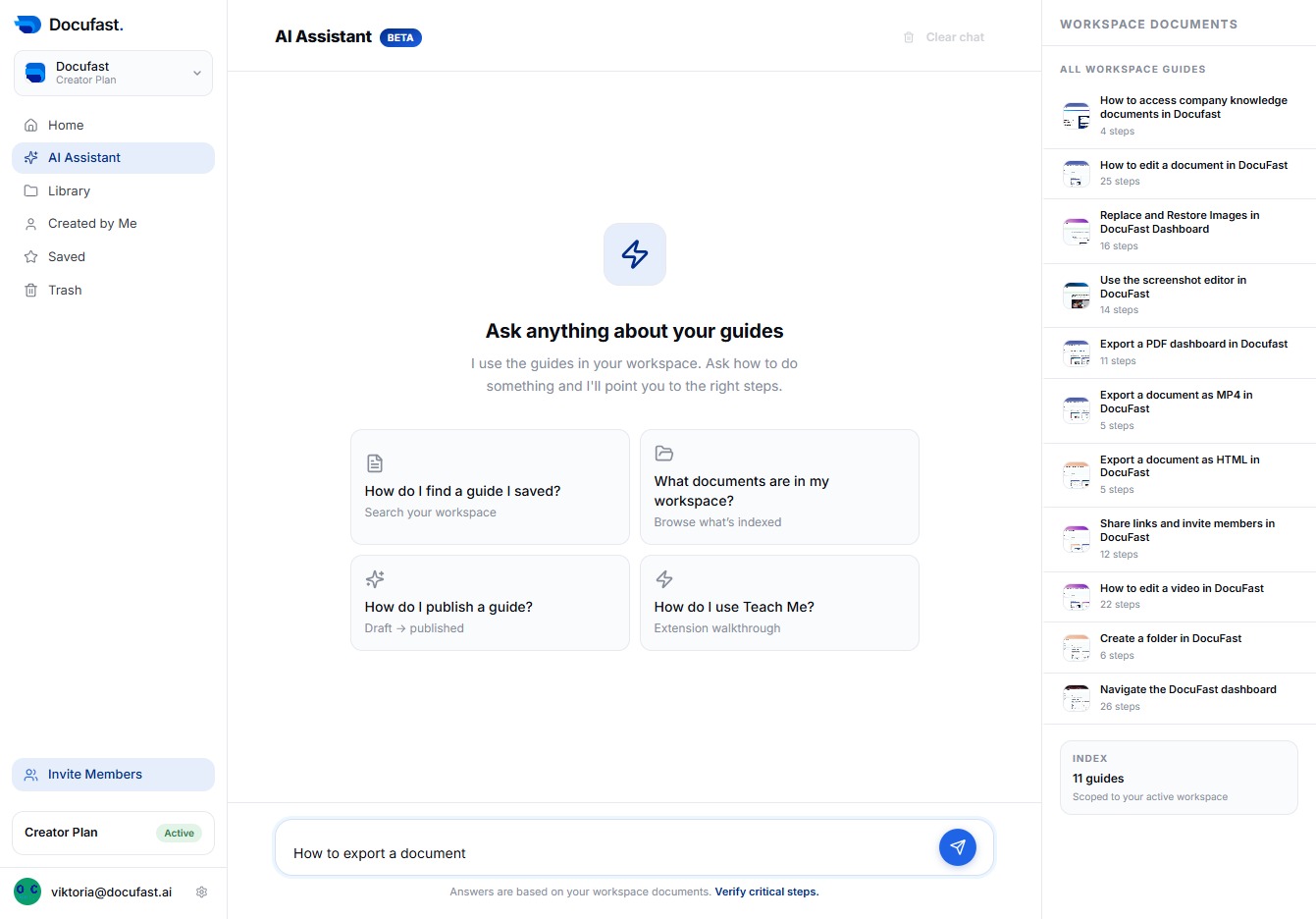
To access the document options, click the 'Open' link next to the relevant export type. This allows you to proceed with exporting your document in the desired format.