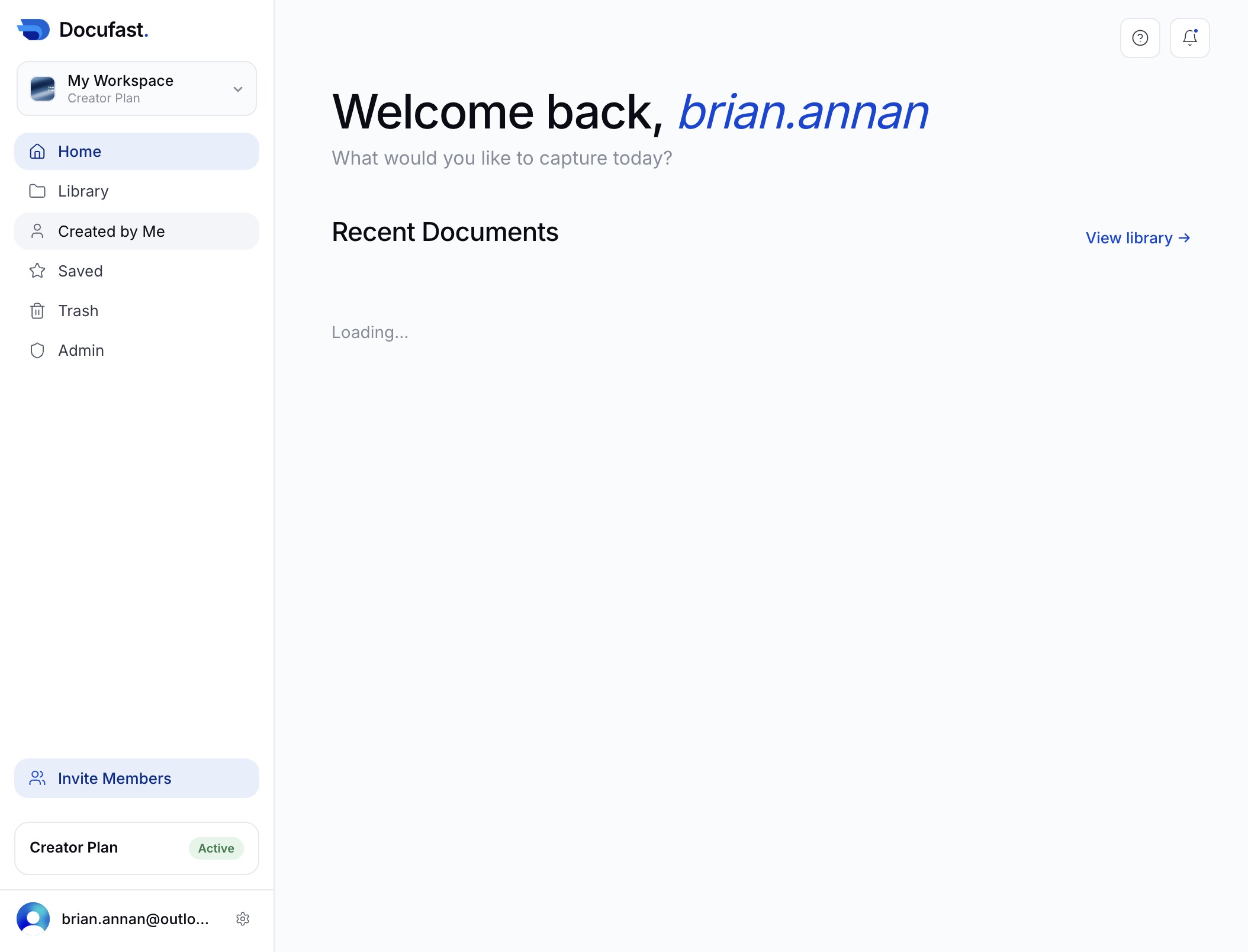
Click the Home option
This action takes you to the Home section, displaying an overview of your workspace and recent documents.
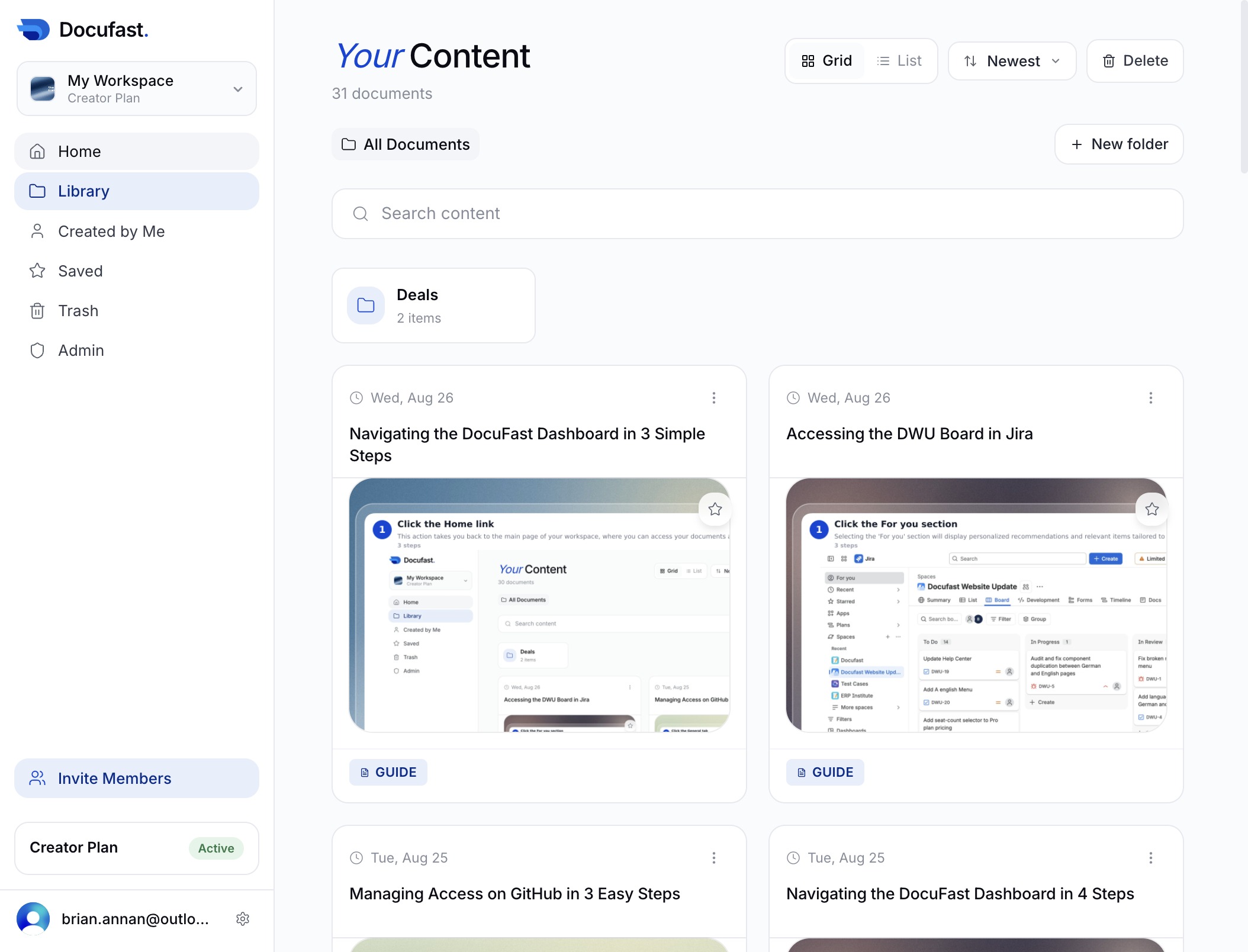
Loading screenshot…
100%
In this quick how-to guide, you'll learn how to access the DocuFast Dashboard in just seven seconds.
 brian.annan
In this quick how-to guide, you'll learn how to access the DocuFast Dashboard in just seven seconds. Follow our simple steps to easily view your workspace overview and quickly find documents you've created, streamlining your workflow on the platform.
This action takes you to the Home section, displaying an overview of your workspace and recent documents.
This action opens the 'Created by Me' section, displaying documents and items that you have created within the platform.