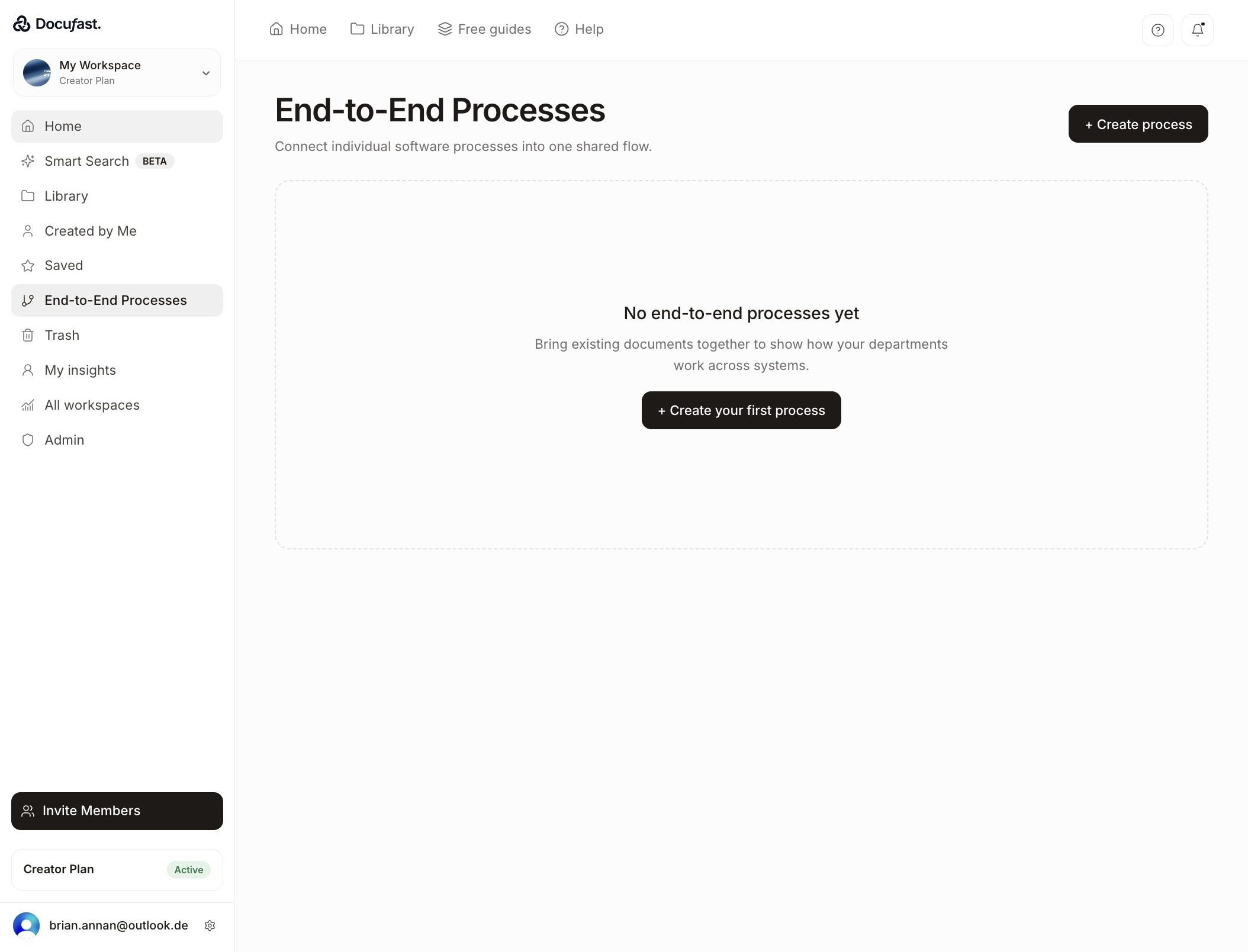
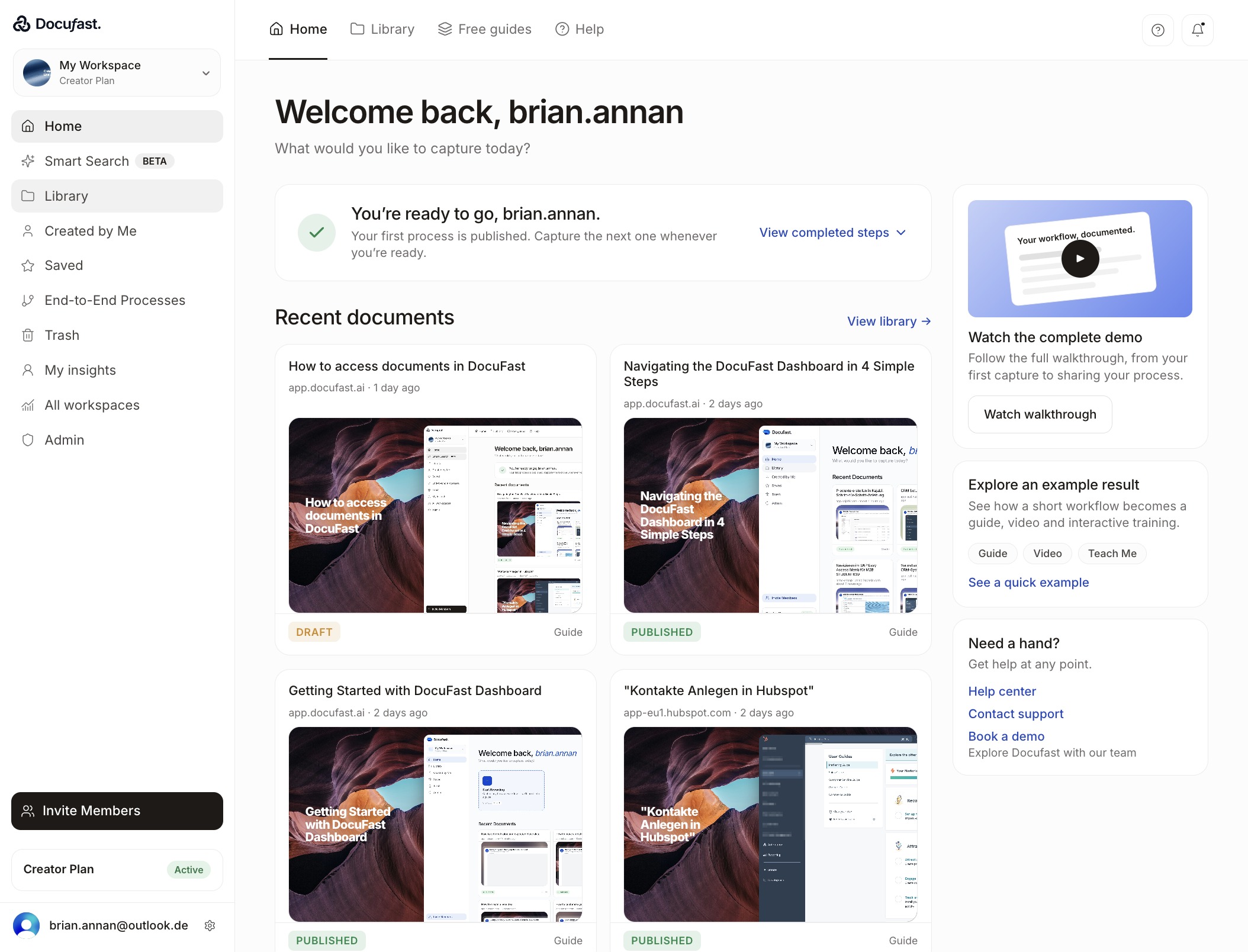
Click Go to the Library
Select Library to view your saved documents and guides.
Loading screenshot…
100%
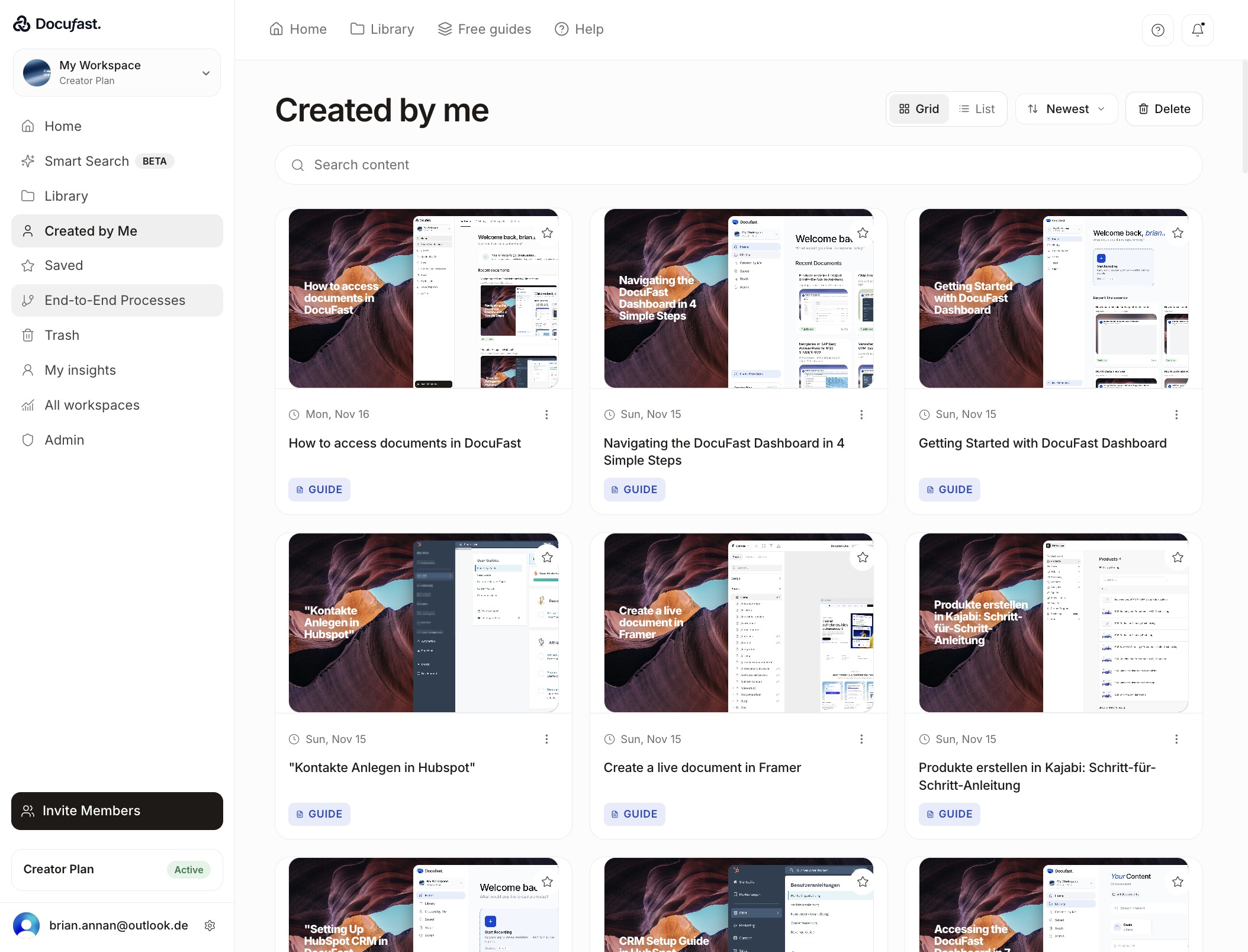
Learn how to access and manage your automated workflows in the End-to-End Processes section of DocuFast.
 brian.annan
Learn how to access and manage your automated workflows in the End-to-End Processes section of DocuFast.
Select Library to view your saved documents and guides.
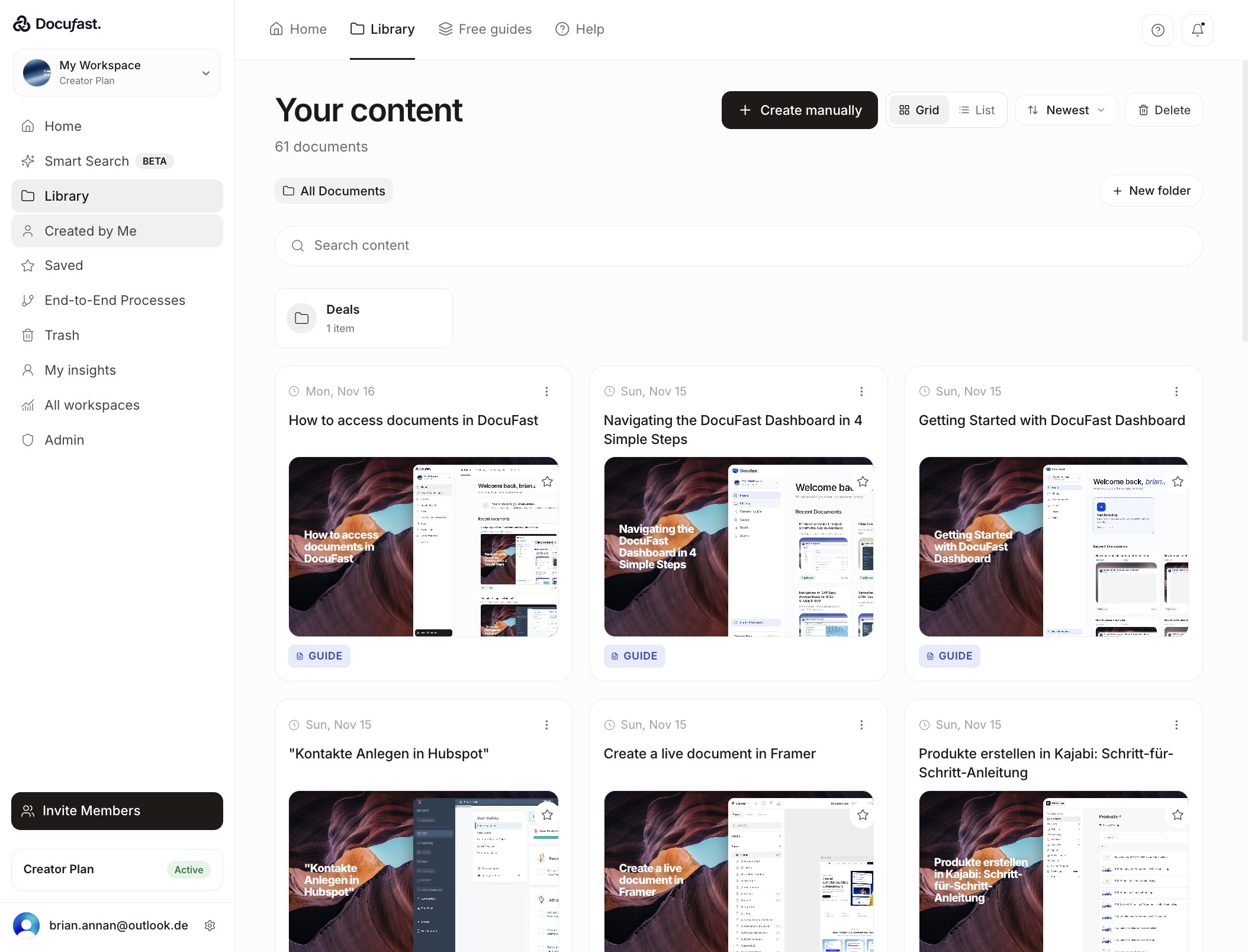
Select Created by Me to view all documents you've created in DocuFast.
This section organizes your automated workflows that span multiple steps, making it easy to manage complex processes in one place.
Click Home to return to the main workspace view, where you can access your documents, libraries, and other key areas.