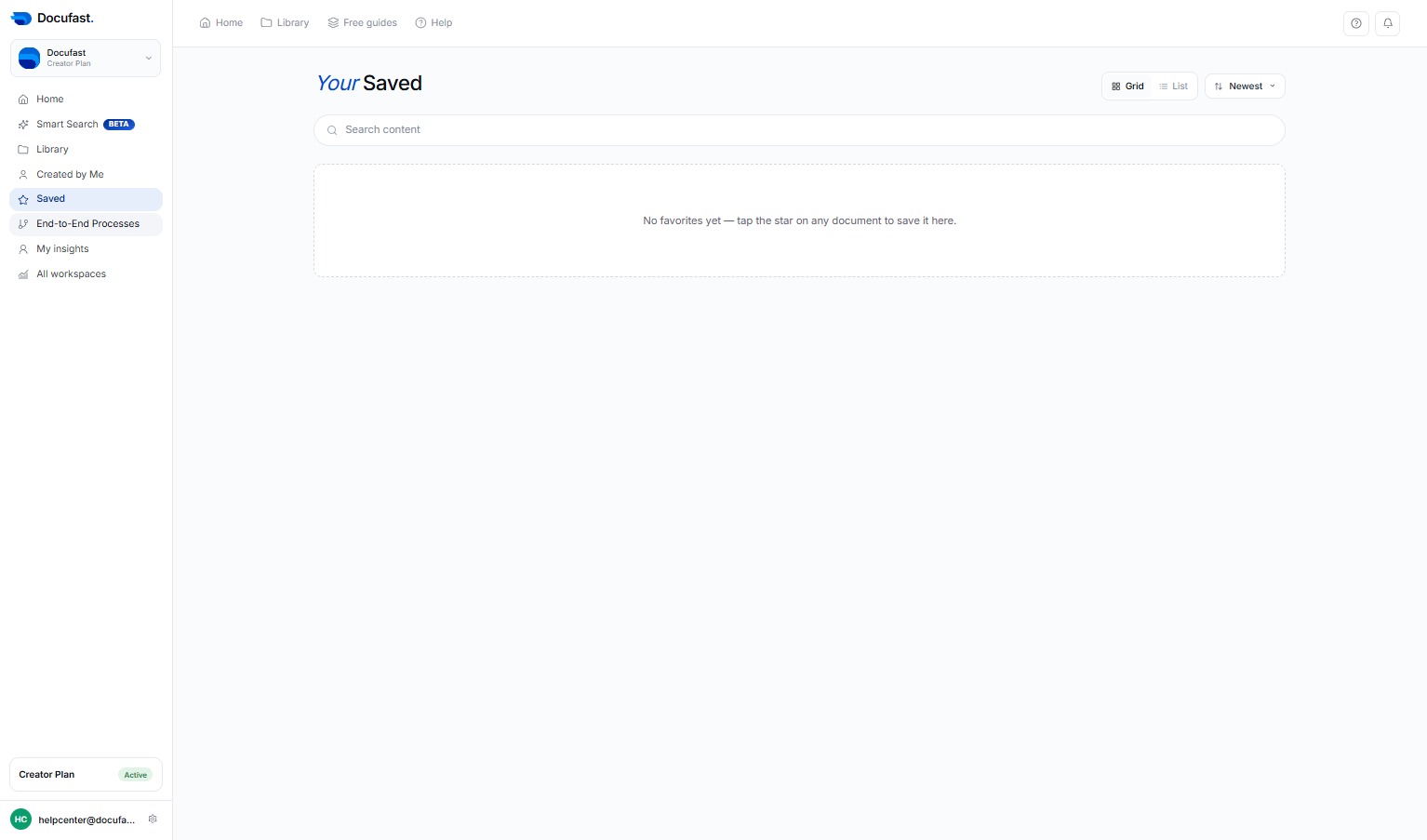
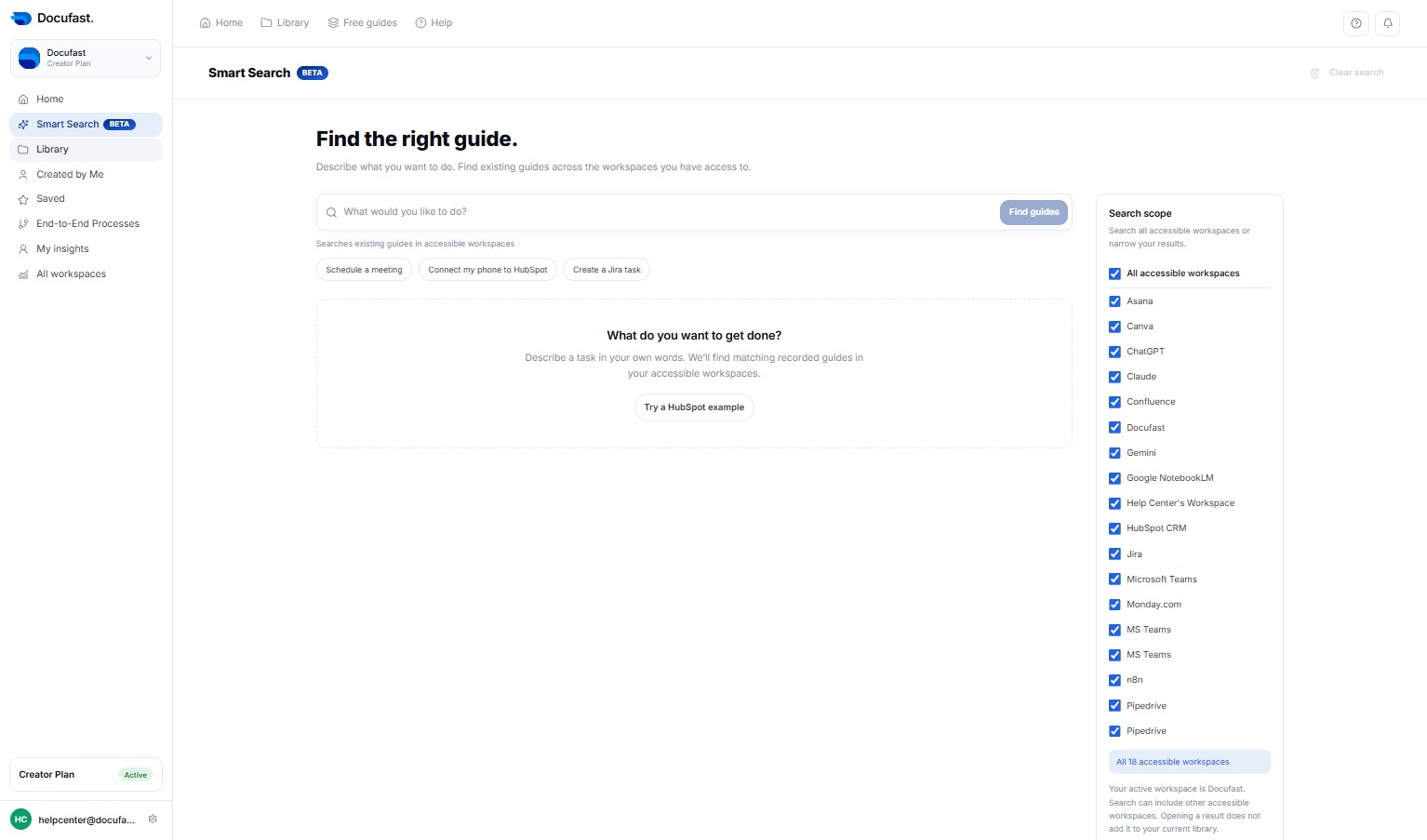
Click Smart SearchBETA
Access the Smart SearchBETA feature to enhance your document search capabilities.
Loading screenshot…
100%
Utilize the Smart SearchBETA feature to access and manage your saved end-to-end processes in DocuFast, enhancing your document organization and retrieval experience.
Utilize the Smart SearchBETA feature to access and manage your saved end-to-end processes in DocuFast, enhancing your document organization and retrieval experience.
Access the Smart SearchBETA feature to enhance your document search capabilities.
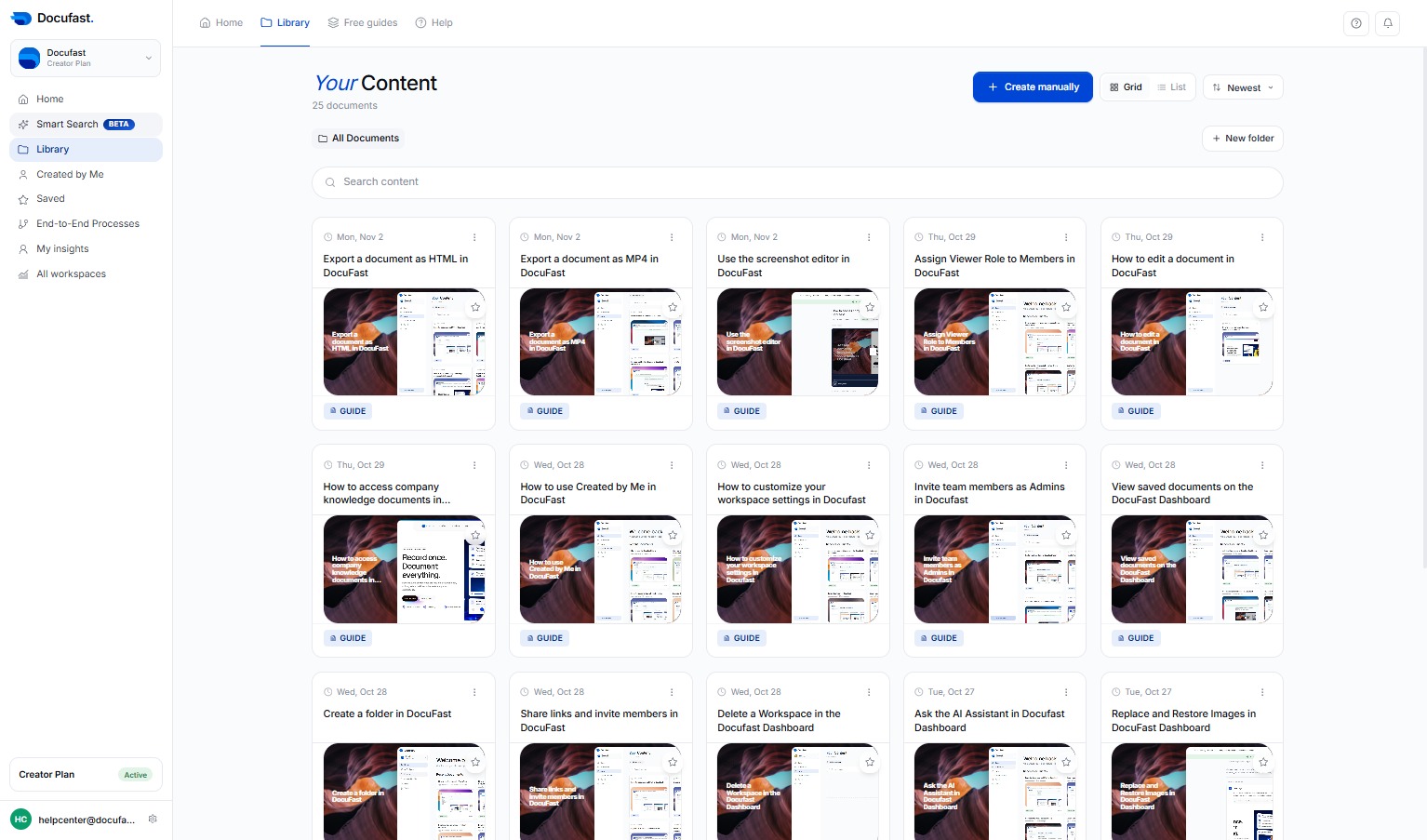
Navigate to the Library section to access various resources and guides.
Click Save to confirm your changes and store the document successfully.
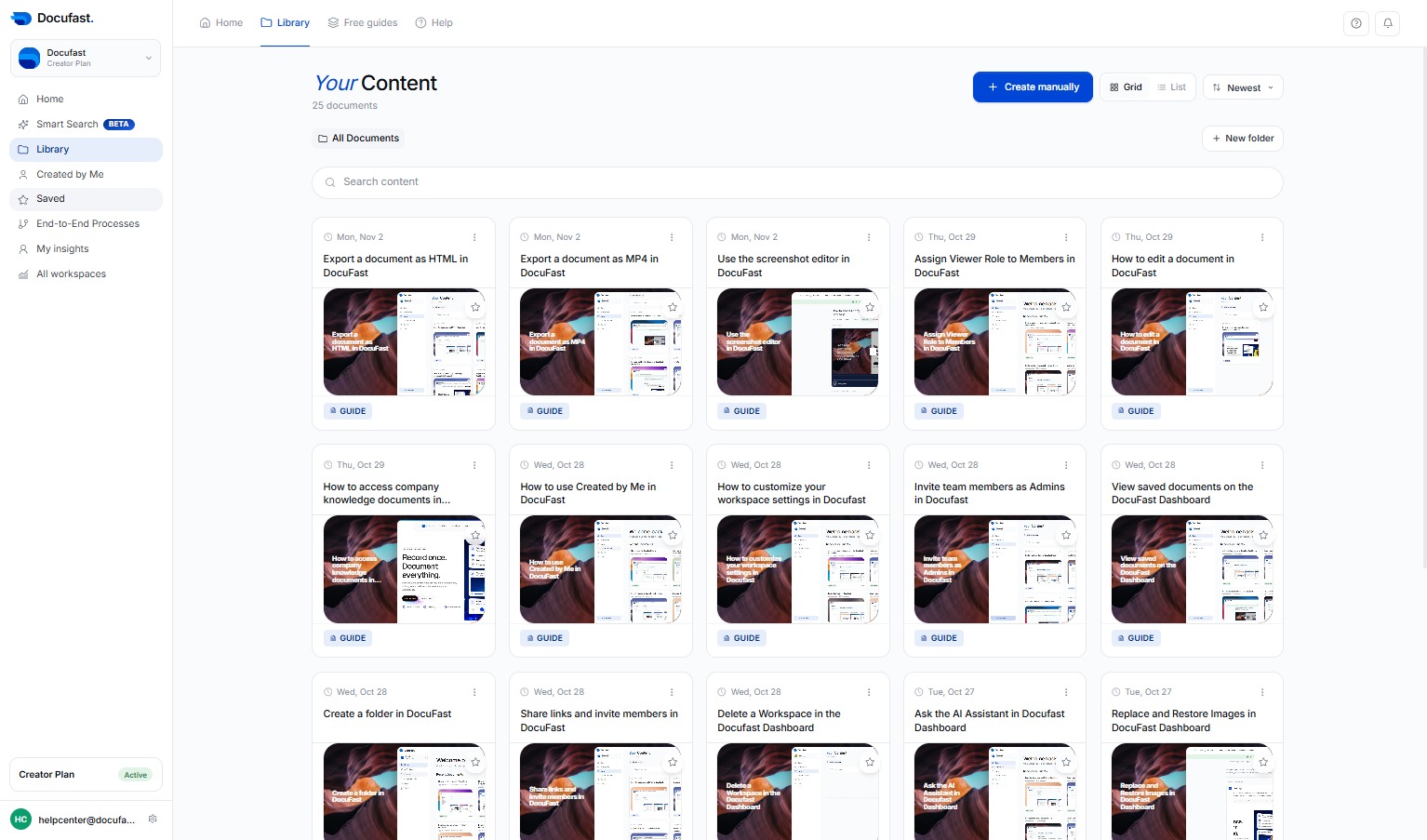
You can now view your saved items in this section. This makes it easy to access content you want to keep track of.
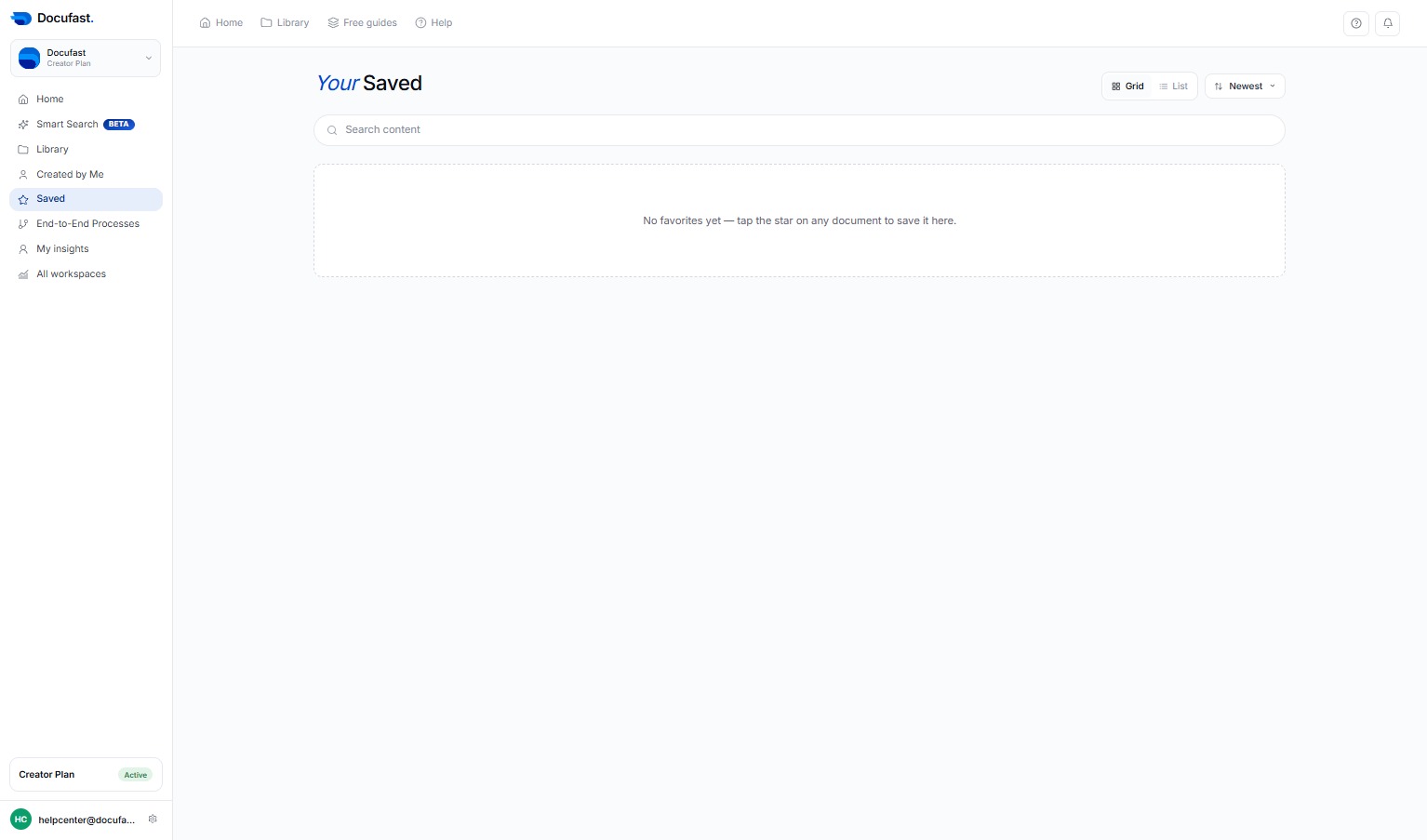
This section contains all the end-to-end processes you can manage, allowing you to navigate easily throughout your workflow.