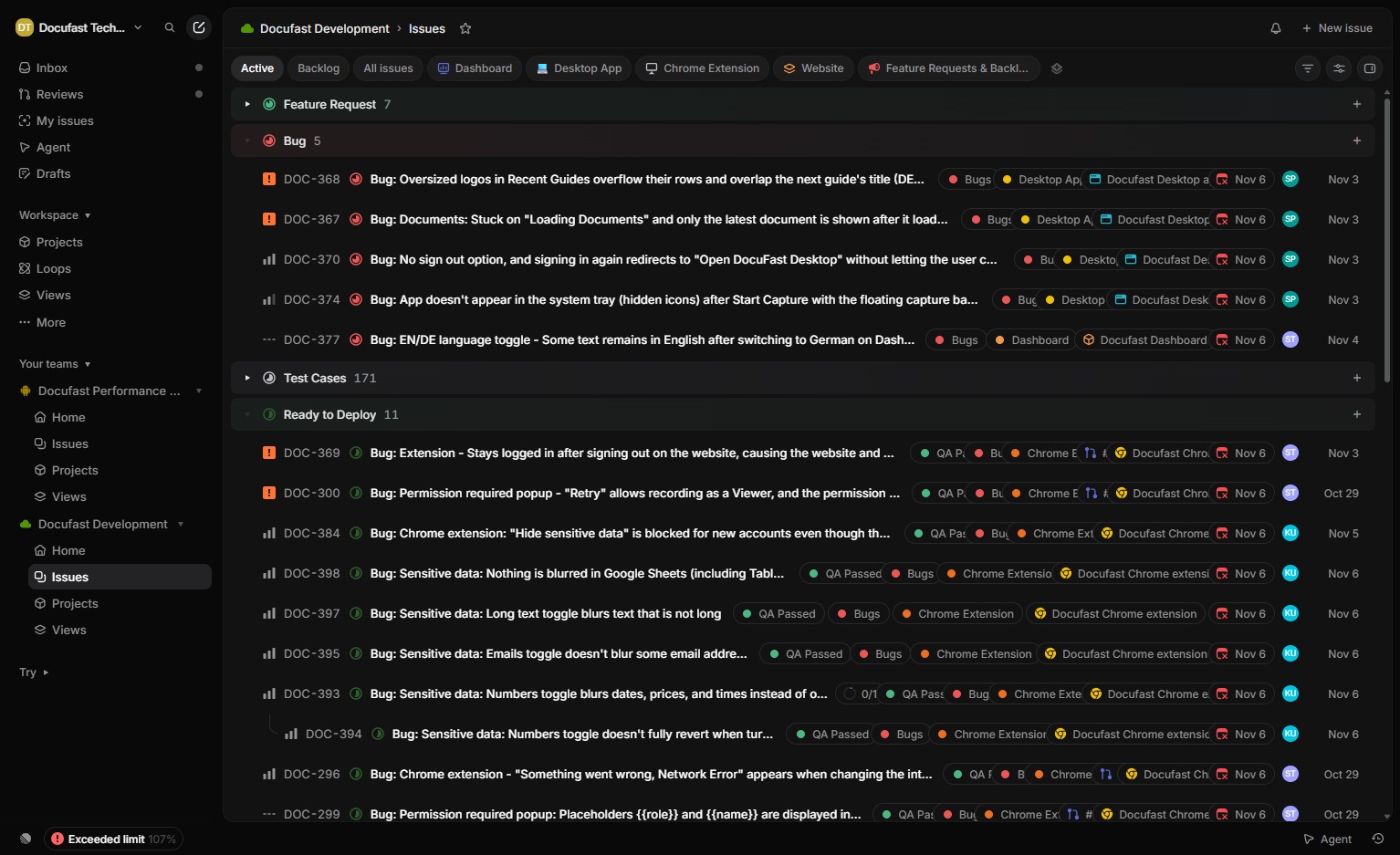
Select the relevant document
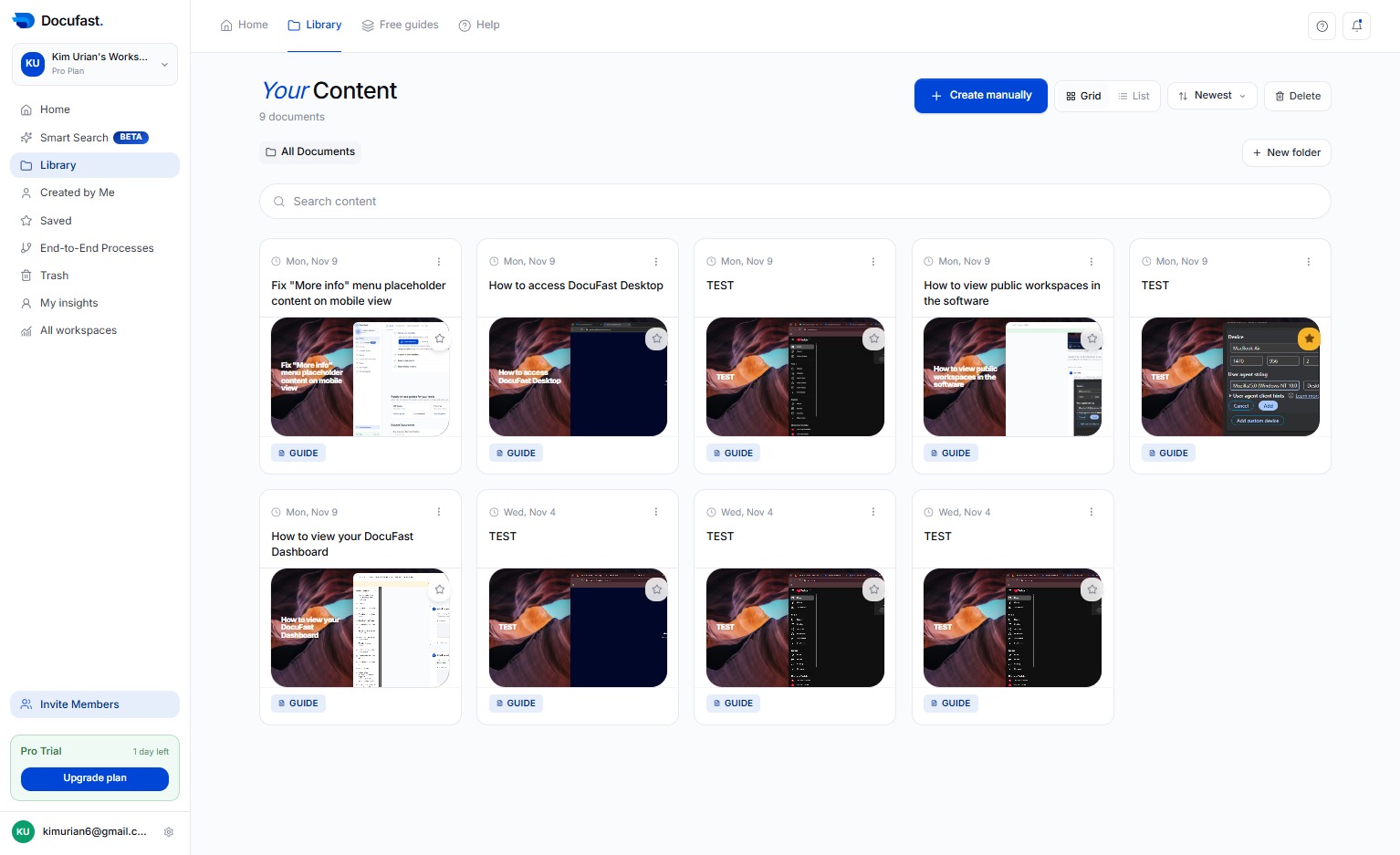
Choose the document you want to work with from your library.
Loading screenshot…
100%
Generate email links from a document in DocuFast by using the Mailto Link Generator to create formatted email links for selected contacts.
Generate email links from a document in DocuFast by using the Mailto Link Generator to create formatted email links for selected contacts.
Choose the document you want to work with from your library.
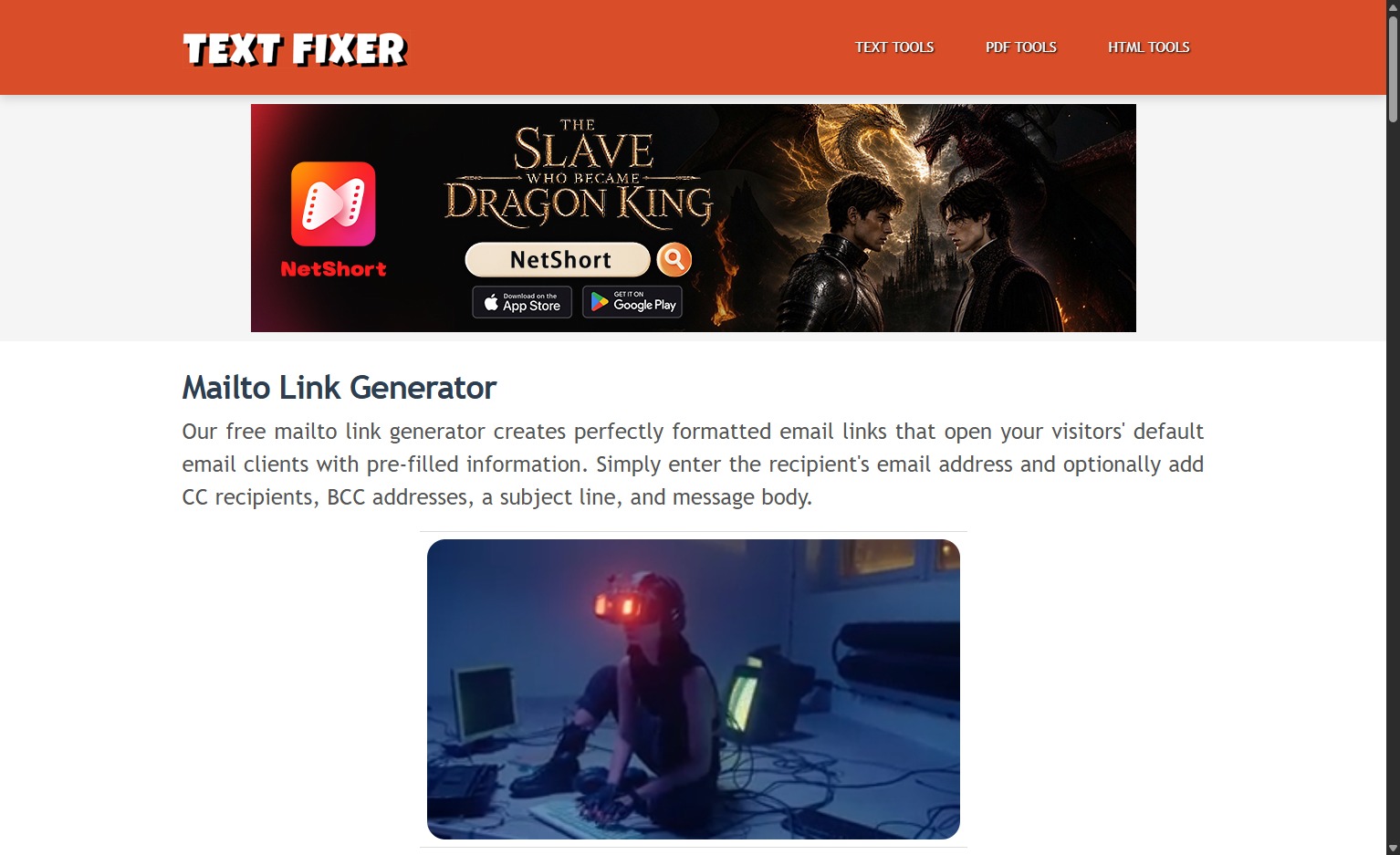
Click the Mailto Link Generator to access the tool that creates formatted email links.
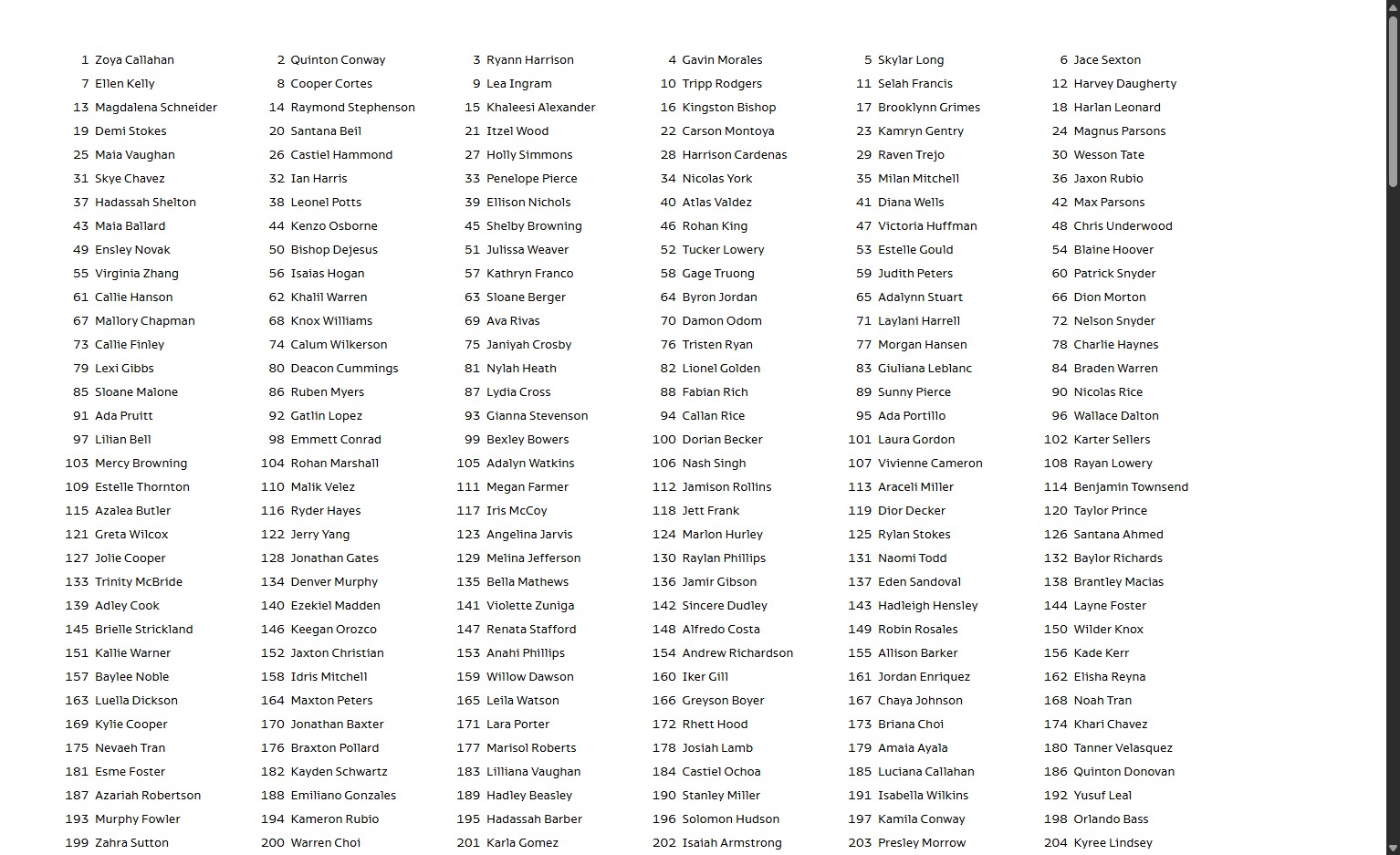
Choose the contact you want to send this mailto link to from the list.
Choose Feature Request from the available options to open the feature request form.